How do I invite friends?
Step 1: Go to the referral page and log in to your Boozeat account if you aren't logged in yet.
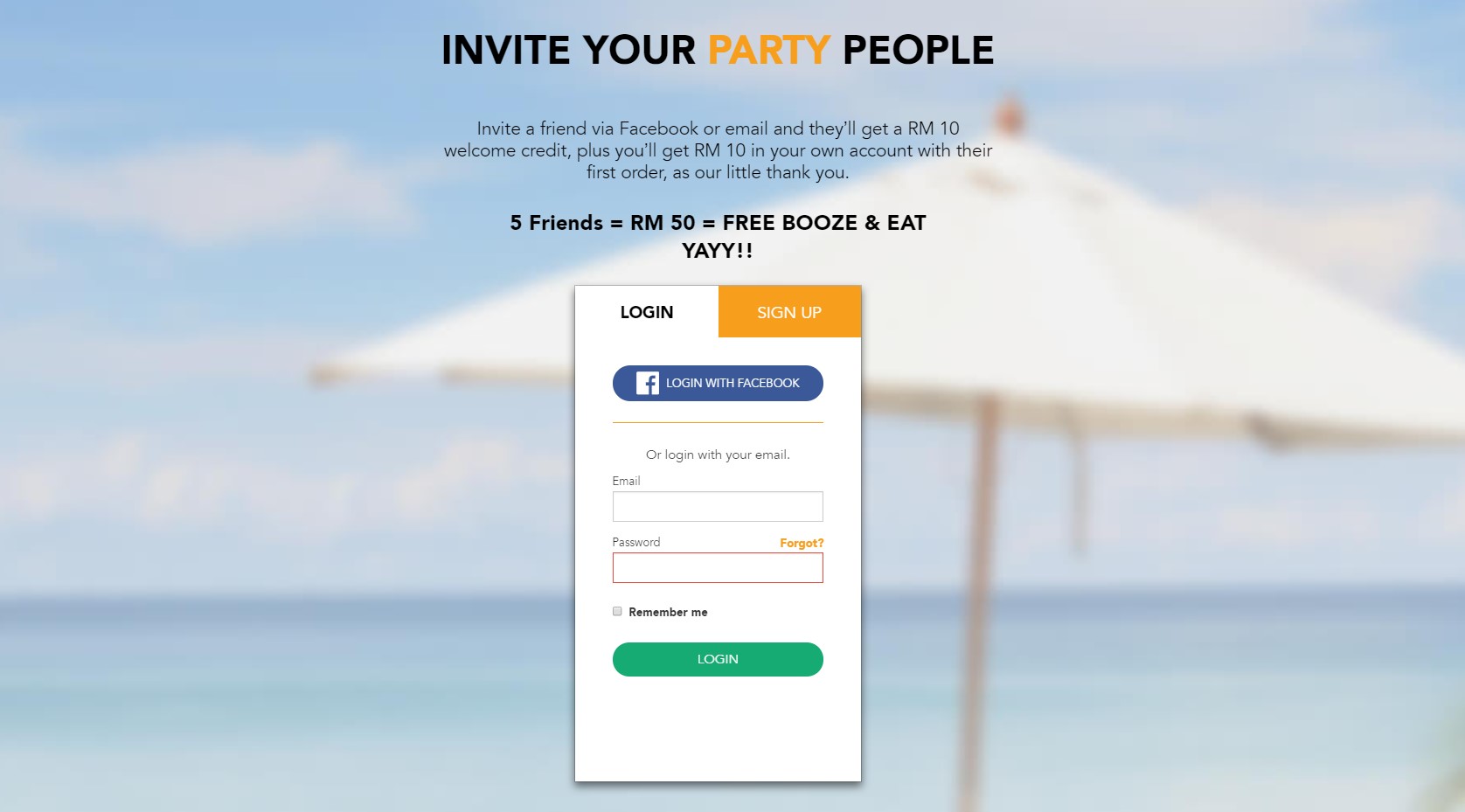
Step 2: Once you have logged in, you can invite friends using any of the following methods:
- Send your friends an email. How? Just enter your friends' email addresses in the field then click 'Invite'. They will receive an email with a unique referral link.
- Post your referral link to Facebook.

Step 3: When your friends click on the link, they will be prompted to create a Boozeat account.
Need Help?
|
Call/Whatsapp +6010 2283 211 |
support@boozeat.com |
10AM - 6PM |
||
|
Call/Whatsapp +6010 2283 211 |
||||
support@boozeat.com |
||||
|
10AM - 6PM |
||||